Git Commit Messages That Survive Real Operations
I am writing as a 5+ YOE engineer. In real product operations, commit history is not just engineering hygiene; it is operational evidence during incident response, audit preparation, and rollback decisions.
When we let commit messages stay vague, we repeatedly hit the same pain: regressions took longer to trace, reviews started from guesswork, and release notes became manual cleanup work. Once we enforced a consistent commit convention, debugging and handover quality improved in measurable ways.
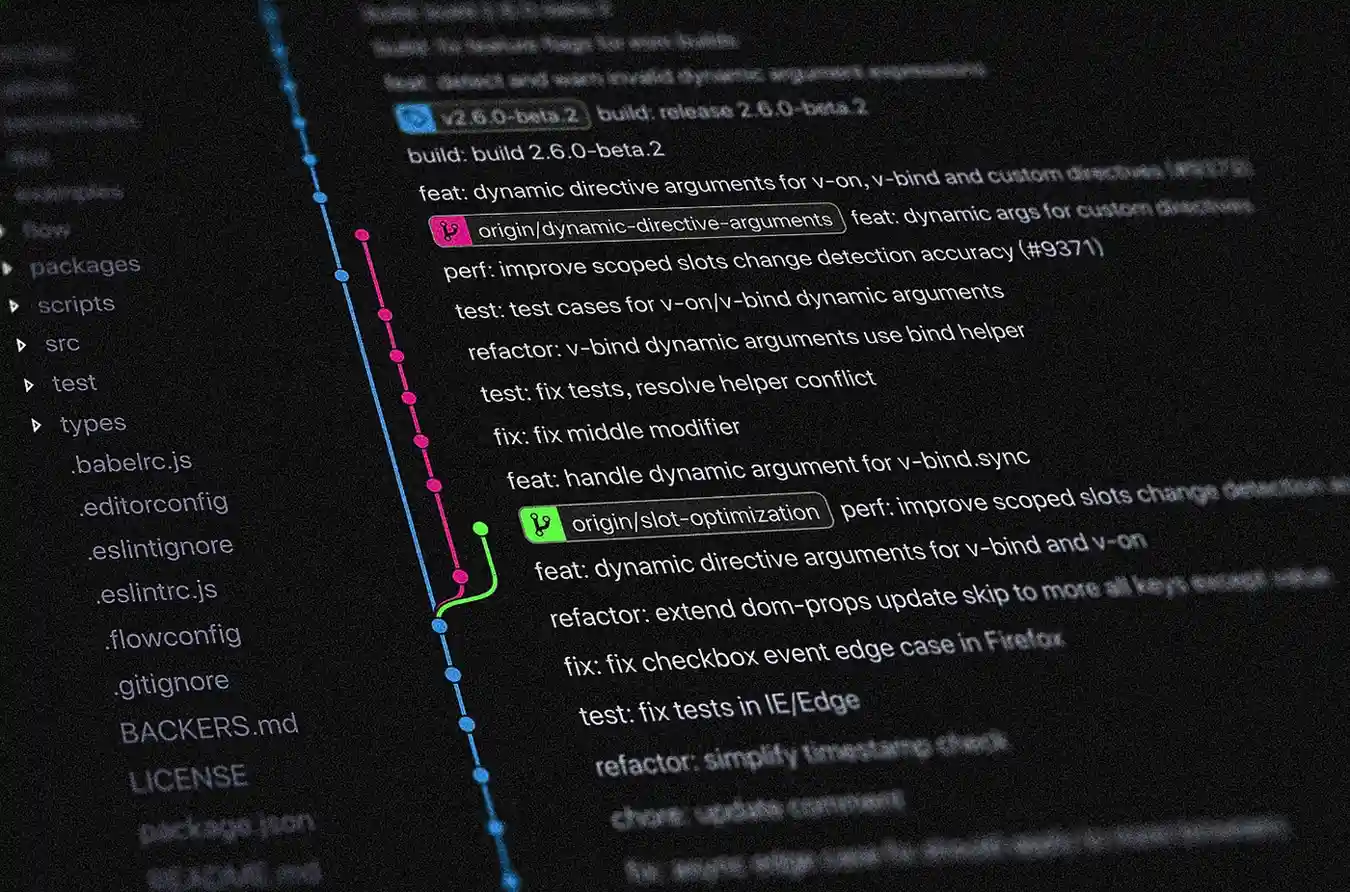
Why a Commit Convention Matters in Practice
In product teams shipping weekly or daily, a clean commit history acts like a low-cost observability layer for code intent. A reviewer can understand what changed and why before opening the diff, while on-call engineers can isolate suspicious commits faster during production incidents. In regulated or semi-regulated domains, this consistency also helps explain change intent to non-author stakeholders without reconstructing context from scratch.
The Format We Standardized
The core pattern we apply is:
<type>(<scope>): <short summary>This format is aligned with the Conventional Commits specification, and we keep summaries in imperative mood to preserve consistency across contributors and repositories.
A practical example:
fix(loan-repayment): prevent duplicate autopay submissionHow We Decide Type and Scope
In real projects, the most important rule is one intent per commit. If a change needs multiple types, we split it before merge because mixed-intent commits reduce traceability. Scope is treated as the subsystem boundary that affected behavior, such as auth, kyc, checkout, or policy-renewal, so searching git log remains effective when troubleshooting a specific flow.
When a Commit Needs a Body
Short summaries are often enough, but for sensitive decisions we add a body that captures why we made the change, what constraints existed, and which tradeoff we accepted. This helps future maintainers understand context without depending on memory or chat threads.
feat(policy-renewal): add grace-period validation

Why:
- prevent accidental lapse during delayed payment callback
- align with underwriting policy window

How:
- validate grace period before premium status update
- reject stale callback events by timestamp

Refs: INS-482
Breaking Changes and Trust
Breaking changes should be explicit, not buried inside diffs. We require a clear BREAKING CHANGE: note so downstream teams can plan migration and avoid silent production failures.
feat(api): rename /v1/repayment endpoint

BREAKING CHANGE: migrate clients from /v1/repayment to /v2/repayment.
Authoritative References We Use
These references keep our internal rules aligned with widely accepted standards instead of opinion-only preferences.
Risks and Tradeoffs
A strict commit convention improves history quality, but it introduces friction when teams are moving fast because contributors must think about intent boundaries before committing, and reviewers need discipline to reject ambiguous messages. Tooling like commitlint helps, yet over-enforcement can slow urgent fixes if rules are too rigid, so we balance guardrails with practical exceptions for incident response paths.
Lessons Learned
In my experience, commit quality improves only when standards are enforced at pull-request level, not when documented and forgotten. Teams get the best outcome when commit format is treated as part of delivery quality, summaries stay specific to business behavior, and commit bodies capture reasoning for non-obvious decisions that would otherwise be lost after release.
Field Tips
Start with a minimal rule set that every engineer can follow in under a week, then enforce it through PR templates and commitlint checks rather than relying on reminders in chat. During onboarding, review recent good commits from your own repository so new contributors learn real examples, and during retrospectives, use confusing commit history as concrete input to improve the standard continuously.
Conclusion
A commit convention is not bureaucracy; it is leverage. Clean history lowers the cost of review, debugging, release communication, and audit conversations, especially in products where traceability matters as much as speed.